Castify Submit for support teams
Start free
For IT and support teams

Stop asking customers to describe it. Let them show you.

Send a Castify Submit link. Your customer clicks, records their screen and voice right in the browser, and your team sees the problem the first time. No install, and no 15-email back-and-forth.


✓ No install for customers
✓ SOC 2 Type II
✓ Trusted by 15M+ users
Before Castify
“Can you send a screenshot?”
“Which button did you click?”
“Still broken. Can we hop on a call?”
+14 more emails
With a Submit link
1 video
Screen, voice and steps in one reply. Solved the first time.
No install for your customers. Just a link.
Used by leading organizations
GoogleWalmartUberSalesforceProcter & GambleeBayWayfairWeWork

Logos shown are trademarks of their respective owners and represent organizations whose teams use Castify. Display does not imply endorsement.

Why support teams use Submit

A video is worth a thousand emails.

Zero friction

One link, no install

Customers click your link and record in their browser. Nothing to download, nothing to learn.

Faster resolution

See it the first time

Screen, voice and steps in one reply, so your team diagnoses instead of interrogating.

Organized

Every response in one hub

Submissions land in one place with in-video comments, so anyone on the team can pick up the ticket.

Any language

Customers explain it their way

Transcripts in 90+ languages help your team understand customers anywhere.

See what your customer sees

One link. One recording. Solved the first time.

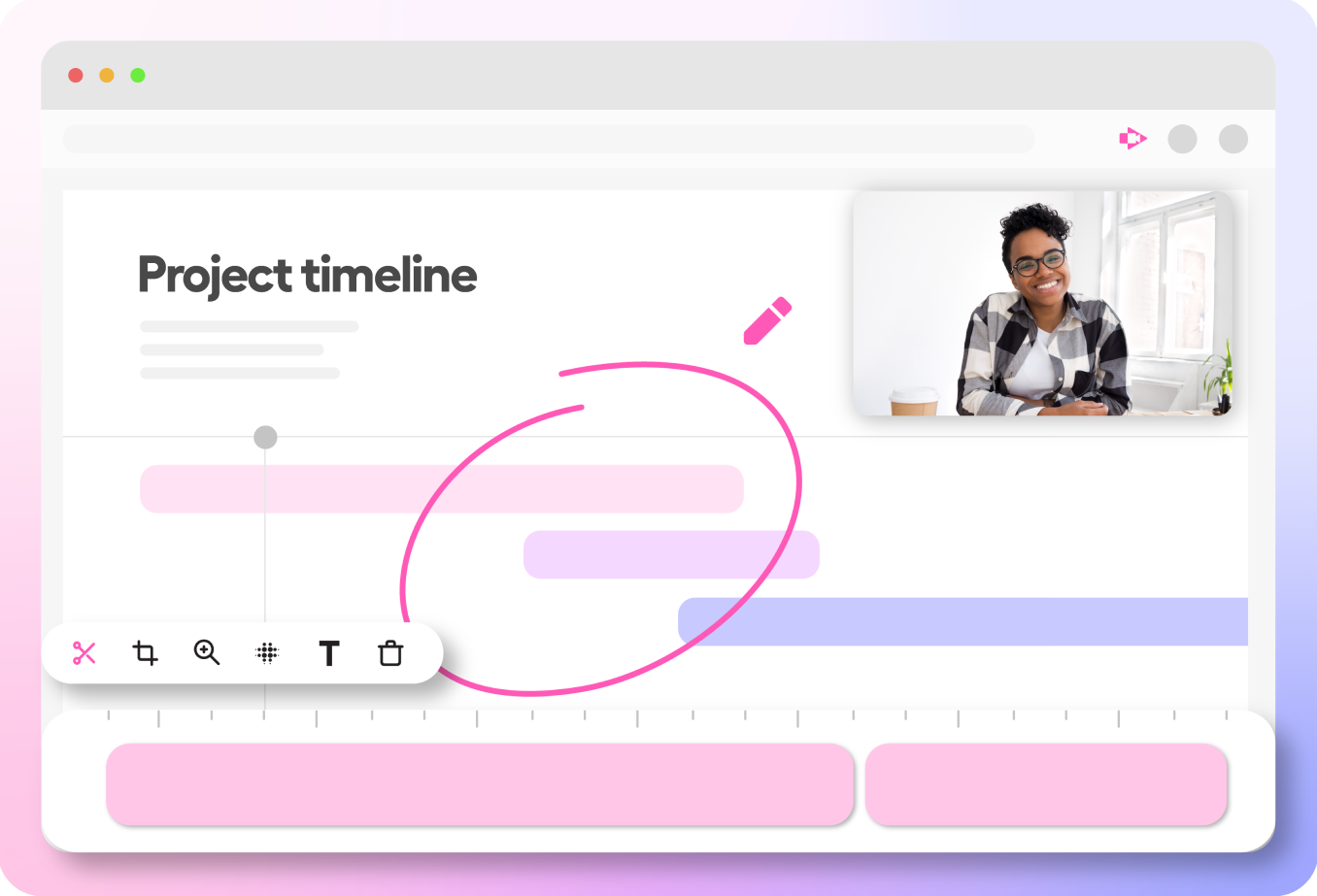
Paste a Castify Submit link into any ticket, email or chat. This is exactly what your customer gets, with no login and nothing to download.

  1. They open your linkYour request and instructions open right in their browser.
  2. They pick how to recordScreen + webcam, webcam only, screen only or audio only.
  3. They show you the problemThey click through the issue on screen and talk you through it.
  4. It lands in your hubWith a transcript, ready for whoever picks up the ticket.
Do the support math

See the hours your team gets back

Estimate how much time back-and-forth emails cost your support team each month, and what you recover when customers show the problem in one video.

Hours your team gets back each month
140
That is 1,680 hours a year
Create your first request link free
Estimate assumes one video reply replaces the back-and-forth.
How Castify Submit works

Send a link. Get the answer on video.

Create a Submit request in seconds and paste the link into your ticket, email or chat. Customers record their screen and camera from the browser, and the video lands in your hub with comments and a transcript, ready for whoever picks up the ticket.
From fix to knowledge base

Turn every fix into a how-to

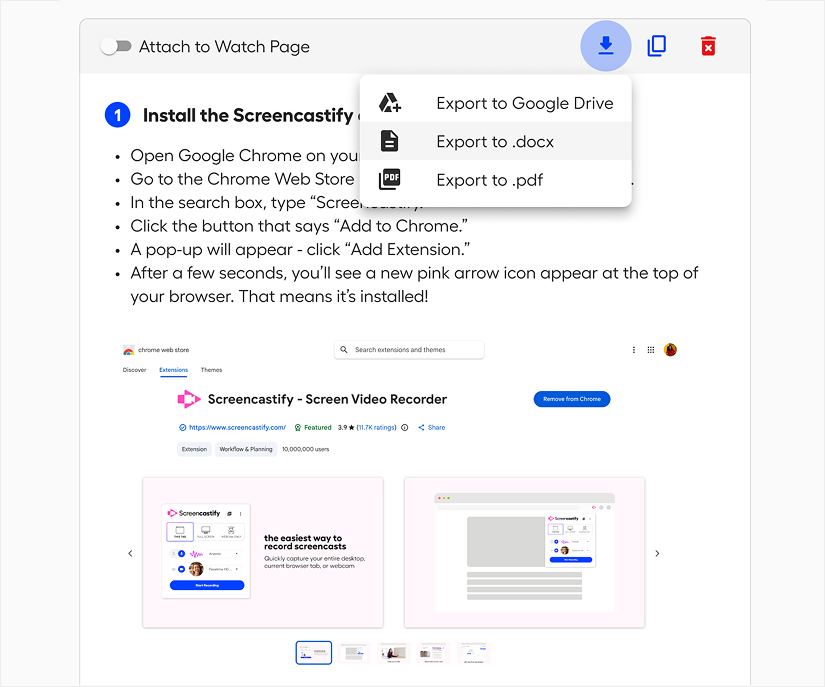
Castify Transform turns a support video into a step-by-step guide or bug report with screenshots and timestamps, so the next customer never has to ask.
Export or share documents instantly.
How it works

From ticket to solved in four steps.

1

Create a request

Set up a Submit topic for your support queue in seconds.

2

Share the link

Paste it into your ticket, email or chat reply.

3

Customer shows you

They record their screen and voice in the browser. No install.

4

Solve and document

Your team sees the issue, replies in the video, and turns the fix into a how-to.

For IT and support leaders

Questions from support teams

Do customers need to install anything?

No. Customers click your link and record in their browser. There is nothing to download or learn.

Does it work with our help desk?

Submit links work anywhere you can paste a link: your ticketing system, email or chat.

Can the whole team see submissions?

Yes. Responses land in one shared hub with in-video comments, so anyone on the team can pick up the ticket.

Is it secure enough for IT?

Yes. Castify is SOC 2 Type II certified, and customer videos stay in your Castify workspace.

What does it cost?

You can start free and create your first request link today. Paid plans start at $7 per month.

Want to see it on a real ticket?
Book a 15-minute demo

Your next ticket could be one video.

Create your first request link free and try it on today’s queue.