AI & Automation
Mar 19, 2026
Introducing Castify Transform: Turn Any Video Into a Document
Castify Transform turns any video into a how-to guide, study guide, bug ticket, or custom document in minutes. Here's what it can do for educators and teams.
.avif)
Video is one of the most powerful ways to explain something. It shows, rather than tells. It carries tone, context, and nuance that text often can't replicate. But not every moment calls for hitting play. Sometimes people need something they can skim, annotate, search, or reference without watching a full recording.
That's exactly what Castify Transform is for.
Castify Transform takes any video and converts it into a ready-to-use document, a how-to guide, a study guide, a bug ticket, or a custom format you define, in minutes. No manual transcription, no copying and pasting, no reformatting. You upload or import a video once, and Castify Transform handles the rest.
Castify Transform uses AI to generate structured, purposeful documents from your video content. Choose from a variety of formats:
These documents aren't replacements for your video. They're supplements to it. Your audience gets both: the video for context and depth, and a document they can skim, annotate, or return to later. That combination is more powerful than either format on its own.
Every recorded lesson can now come with a companion document your students can actually use.
Turn lecture recordings into study guides students can annotate, search, and review at their own pace.
Support different learning styles by offering the same content in two formats, video and document, without creating each one from scratch.
Build out your LMS with written resources that make every video module feel complete and professional.
Video is how modern teams communicate, but it doesn't always fit the moment when someone needs the information.
Convert training recordings into searchable documentation that lives in your knowledge base and can be found instantly.
Turn recorded bug walkthroughs into structured tickets with the steps, context, and environment already organized.
Build SOPs from screen recordings so any process you record once becomes documentation your team can follow and update.
Castify Transform is available as an add-on to your Castify subscription. See pricing for details.
Not sure yet? Free users get 5 transformations to try it out, no commitment needed.
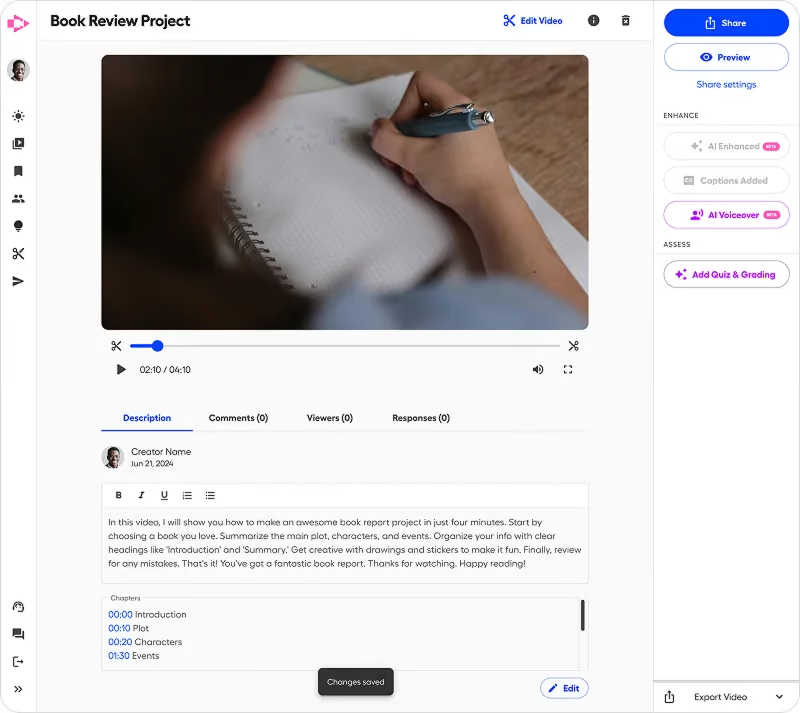
To use it, import and upload your video, navigate to Castify Transform on the left sidebar, pick your format (or define your own), and your document is ready in minutes.
Try it today at castify.com.