Castify for K-12 Education

Enhance learning with video
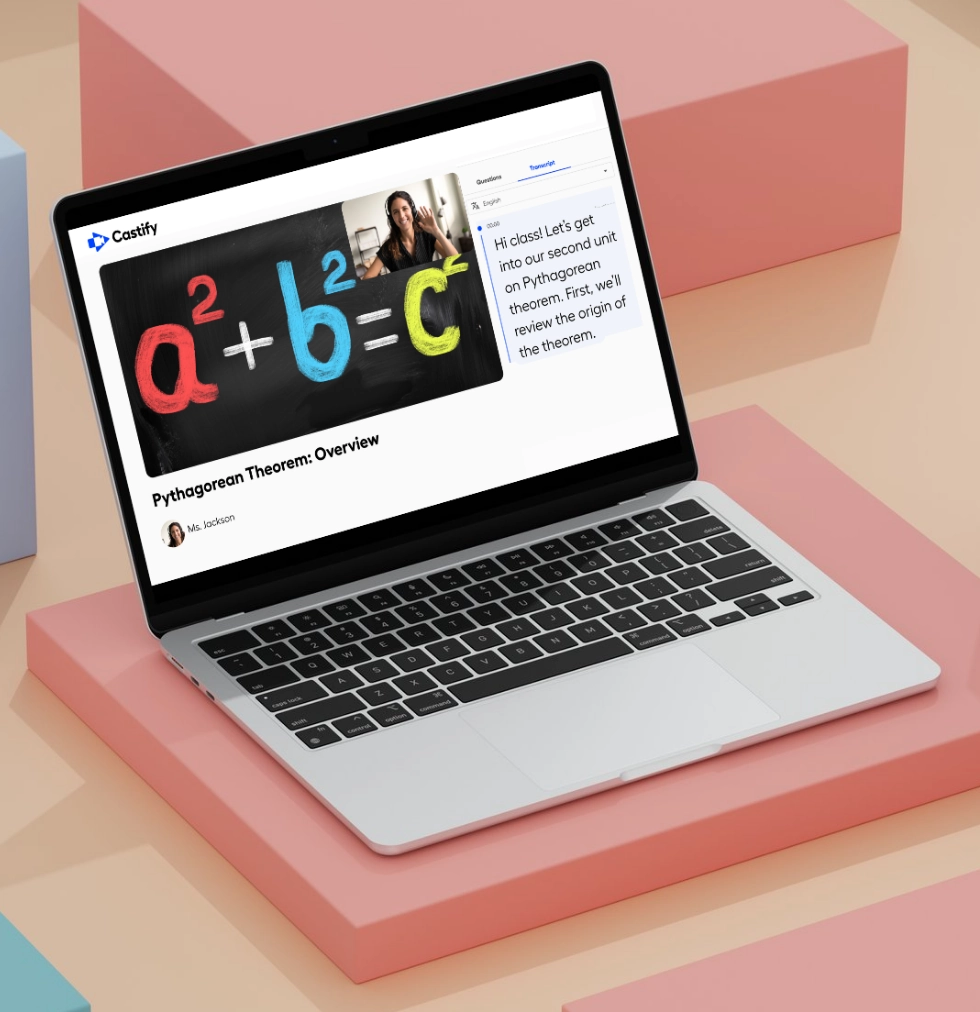
Empower educators and administrators to create engaging lessons, collect student work, and communicate more effectively. From flipped classrooms to virtual instruction, Castify makes it simple to use video in education without technical barriers.
Engage students and drive learning with video tools.
Trusted by educators worldwide
434M+
videos created
12.4M+
users
150+
countries served
Why Choose Castify

Popular features for education

Record video.
Screen recording
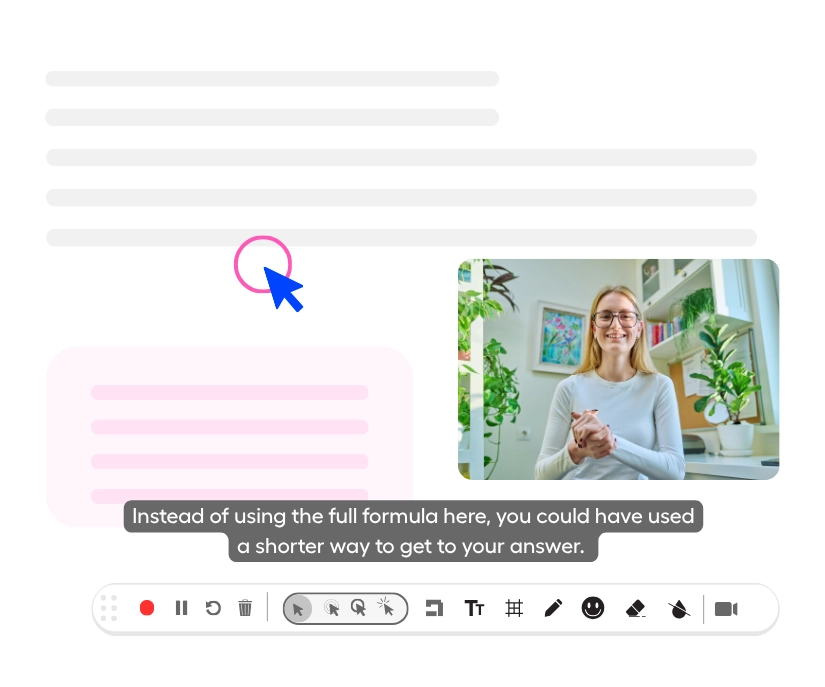
Record lessons, tutorials, and instructional content with quality. Combine screen capture with webcam to connect with students and demonstrate concepts clearly.
Computer icon.
Student videos
Collect video presentations, demonstrations, or responses. You receive submissions automatically and can create highlight reels celebrating their work.
Closed captions icon.
Captions & translations
Add captions to every video for accessibility. Translate content into 90+ languages to support English language learners and multilingual families.
YouTube icon.
YouTube for EDU
Access educational videos from YouTube directly within Castify. Find relevant content, incorporate it into lessons, and combine it with your own recordings without leaving the platform.
Our Solutions

Help educators drive learning and engagement

Video makes learning more engaging, accessible, and effective for all students while saving you time on instruction and feedback.
Instructional Content

Create lessons students can watch anytime
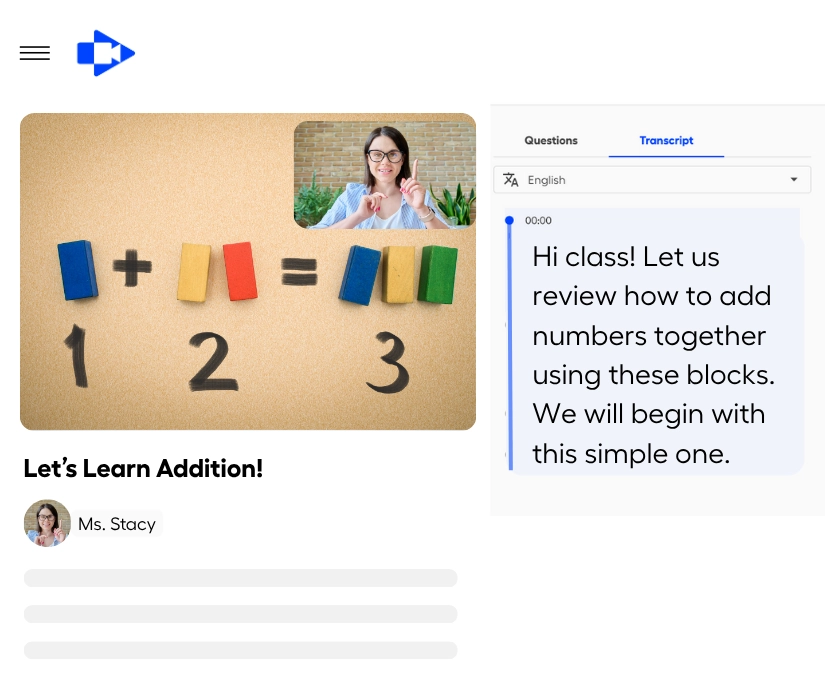
Record instructional videos that students can watch at their own pace. Flip your classroom by recording lessons for homework, create review materials for assessments, or provide extra support for struggling learners. Add automatic captions for accessibility and translate into 90+ languages for multilingual classrooms.
Create lessons once and let your students revisit them.
Student Assignments

Collect video assignments from students
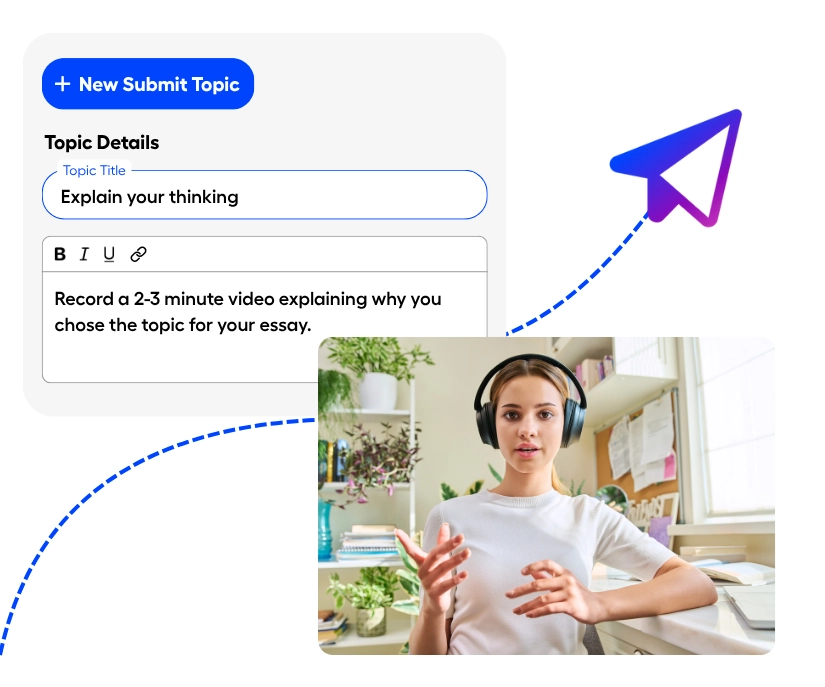
Use Submit to assign video projects where students demonstrate understanding, practice presentations, or showcase creativity. Students record responses on their schedule, you receive submissions automatically, and you can merge the best work into class highlight reels to celebrate student achievement.
Assign video projects that encourage students to find their voice.
Personalized Feedback

Provide clear, personalized feedabck

Record video feedback showing students exactly what they did well and where to improve. Walk through their work on screen, explain concepts they struggled with, and provide encouragement. Students can rewatch your feedback as many times as needed to understand and improve.
Provide clear, personalized feedback at scale.
LMS Integration

Integrate with your Learning Management System
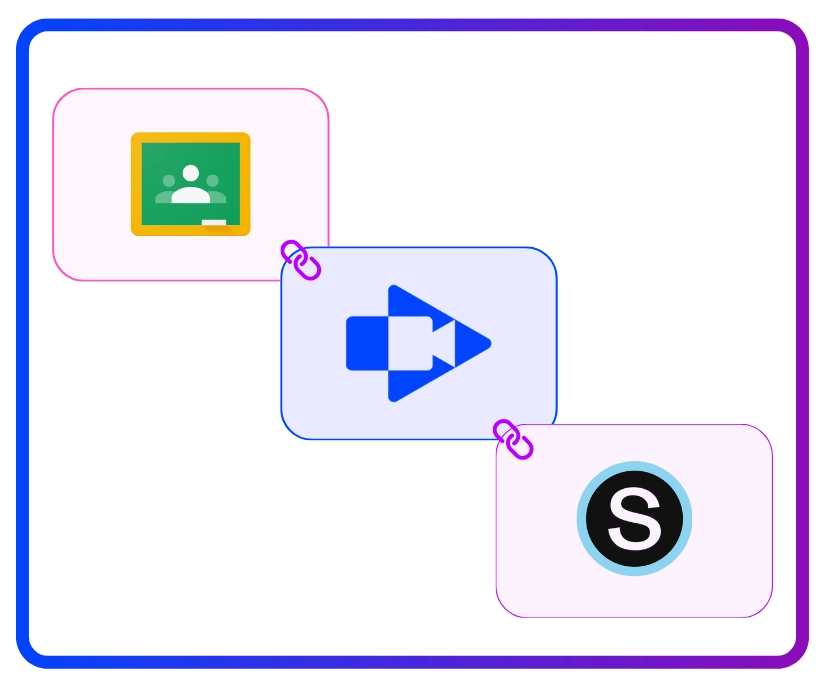
Seamlessly integrate with Google Classroom, Canvas, and Schoology. Post instructional videos, collect student submissions, and manage assignments all within the platforms you already use. No extra logins or complicated workflows for you or your students.
Connect Castify with your existing LMS like Canva, Schoology, and Google Classroom.

Ready to enhance learning with video?
Join thousands of schools using Castify to engage students, support teachers, and improve learning outcomes. Schedule your personalized demo today.
Loved by teachers, trusted by districts
BCPS
USE CASE SPOTLIGHT

Real ways you can use Castify

Flipped classroom icon.
Flipped classroom lessons
Teachers record lessons for students to watch at home. Class becomes active learning with discussions, projects, and individualized help. Students learn at their own pace while teachers focus on application and deeper understanding.
Product demo icon.
Student presentations
Students create video presentations demonstrating learning on any topic. They develop communication skills, creativity, and confidence while teachers assess understanding in authentic ways.
Differentiated instruction
Create multiple versions of lessons for different learning levels. Provide additional support videos for struggling students and extension activities for advanced learners. Students get instruction matched to their needs.
Communication bubble icon.
Parent communication
Send video updates to families showing classroom activities, explaining homework assignments, and celebrating student progress. Reach all parents with captions and translations in 90+ languages.
FREQUENTLY ASKED QUESTIONS

Everything you need to know before getting started.

Is Castify appropriate for all grade levels?

Yes. Teachers use Castify from elementary through high school. Younger students can watch instructional videos and record simple responses with teacher guidance. Older students can independently create presentations and projects. The tools scale to match student development and curriculum needs.

How does Castify protect student privacy?

Castify is FERPA, COPPA, CSPC, and SOC 2 Type II compliant and designed with student privacy as a priority. Teachers control who can view student videos, students can only submit to their teacher's requests, and all data is protected with enterprise-grade security. District administrators have oversight and control over all usage.

Can we use Castify for distance learning?

Absolutely. Castify is perfect for virtual and hybrid learning. Record lessons for asynchronous instruction, collect video assignments from home, provide video feedback, and maintain connection with students regardless of where they're learning. Everything works in a browser on any device.

Do teachers need to download anything to use Castify?

No installation is needed at all. Castify runs directly in your browser, so teachers can access it from any device with an internet connection - no matter if you’re using Chrome, Safari, Edge, or Firefox. Just open the site, upload your video, and start editing instantly. There’s no software to install and no setup required.


See how educators use Castify

Schedule a personalized demo to discover how video can enhance learning in your classroom or school.