Castify for Teachers

Engage students and save time with video
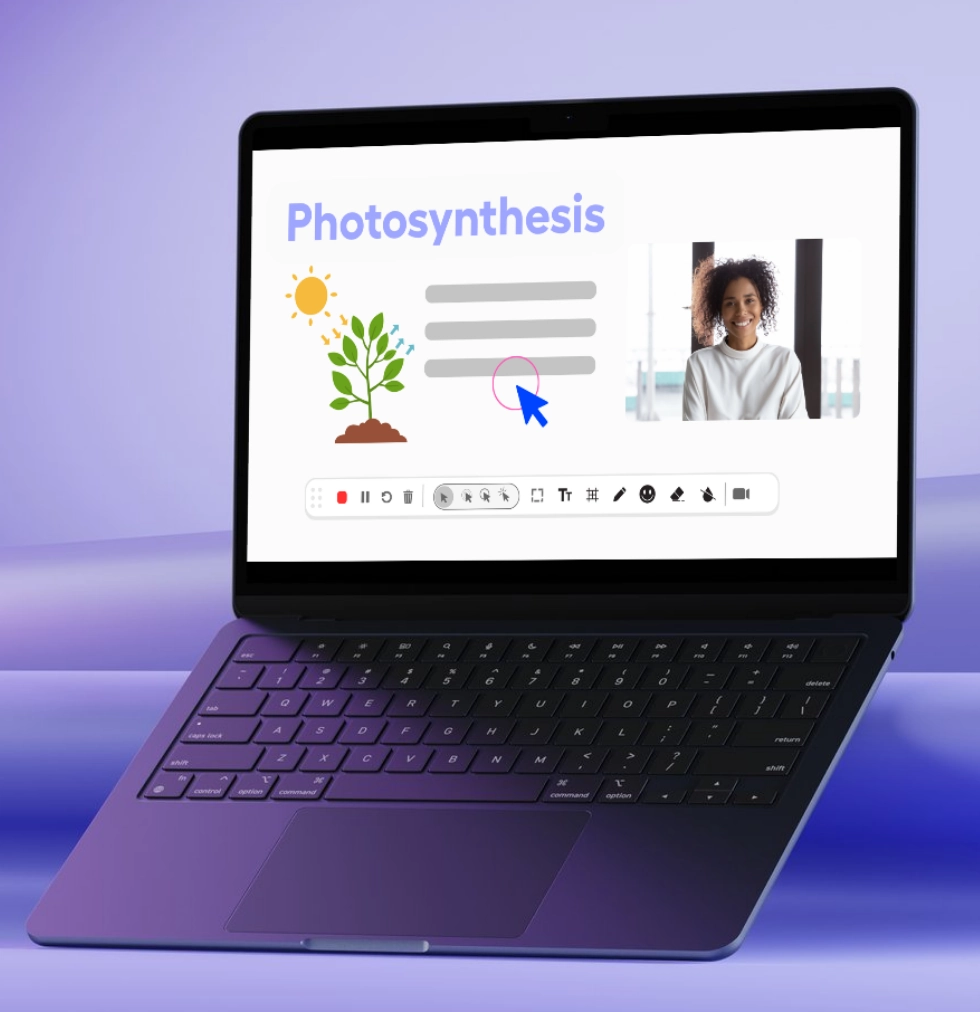
Create instructional videos students actually watch, collect video assignments that showcase learning, and provide personalized feedback at scale. Castify makes it simple to use video in your classroom without technical expertise or extra prep time.
Create student materials and lesson plans that are engaging.
Trusted by thousands of teachers worldwide
434M+
videos created
12.4M+
users
150+
countries served
Why Choose Castify

Popular features for teachers

Record video.
One-click recording
Start recording your screen, webcam, or both with a single click. No complicated setup and no technical knowledge required.
Scissors icon.
Quick editing tools
Edit and polish videos in minutes to delete mistakes, trim long pauses, add titles and descriptions, and blur sensitive information.
Video icon.
Video assignments
Send students a simple link through your LMS. Receive submissions, grade them, and create highlight reels to showcase their work.
Multi-language support icon.
Multilingual support
Translate videos into 90+ languages with captions and voiceovers. Support English language learners and help multilingual families stay involved.
Our Solutions

Helping you engage every students and drive learning

Video makes your instruction more engaging, your feedback more impactful, and your classroom more accessible without adding hours to your day.
Flipped Classroom

Record lessons students watch at their own pace
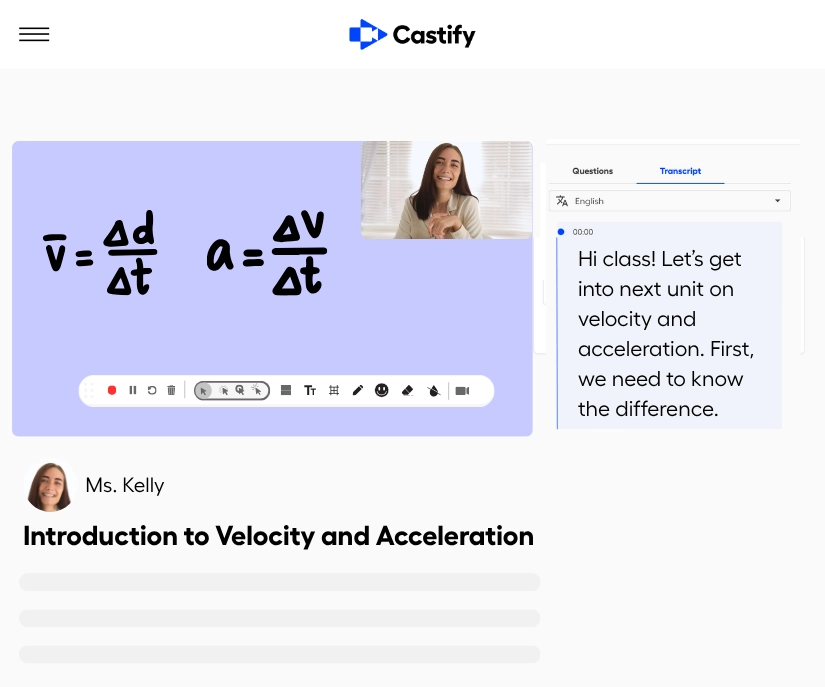
Create instructional videos for homework so class time becomes hands-on learning. Record once, use forever. Students who need extra time can pause and rewatch. Advanced students can move ahead. You spend class time helping students apply concepts instead of delivering the same lecture to every class.
Easily record lessons your students can watch at their own pace.
YouTube for EDU Access

Access millions of educational videos safely
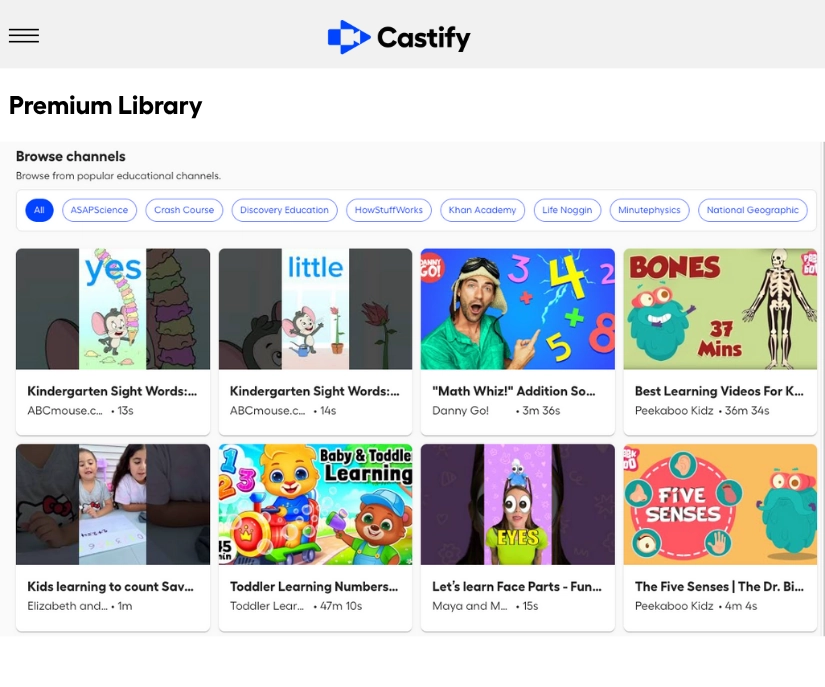
Pull in ready-to-go educational content from YouTube for EDU without creating everything from scratch. Search for videos on any topic, add your own questions to check understanding, and use them in live classroom quiz activities. All content is ad-free and curated for education, so students learn in a safe environment without distractions or inappropriate content.
Pull in ready-to-go educational content and save time.
Video Assignments

Collect student work that shows real learning
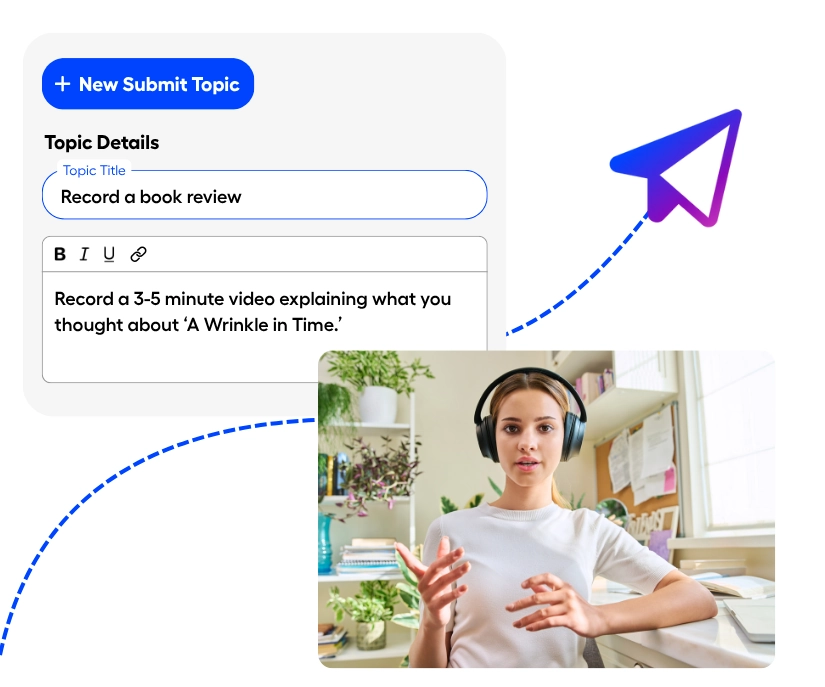
Use Submit to assign video presentations, reading responses, or demonstration projects. Students record their videos and you receive submissions automatically. Assess communication skills, creativity, and understanding in ways that go beyond written tests and worksheets.
Use student video presentations that show real learning.
Personalized Feedback

Give feedback students actually use

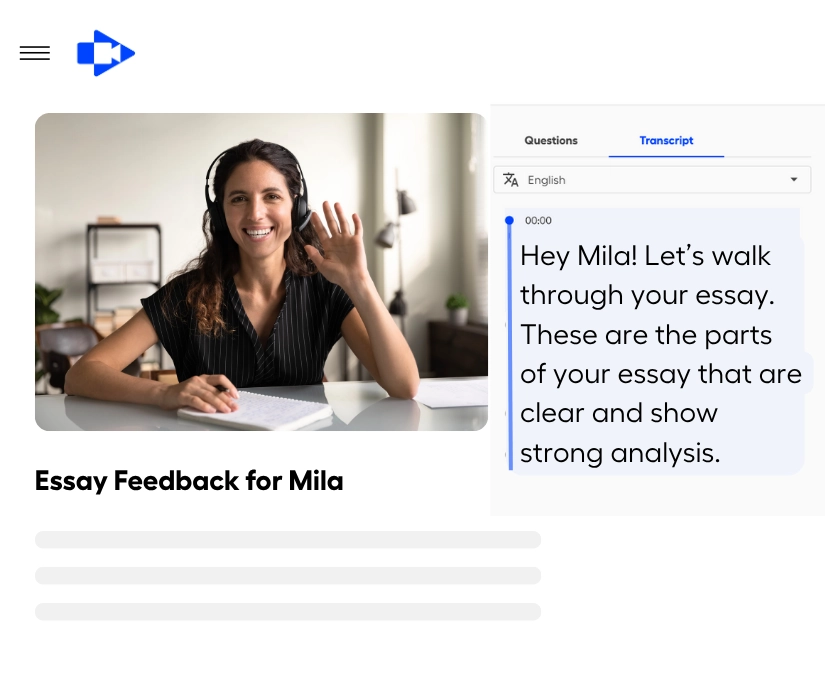
Record quick video feedback showing students exactly what they did well and how to improve. Walk through their work on screen, explain confusing concepts, and provide encouragement they can hear in your voice. More effective than written comments and faster than individual conferences.
Give student feedback that sticks and make it accessible to parents.

Ready to transform your classroom with video?

Join thousands of teachers using Castify to engage students, save time, and make teaching more effective. Get started today.
USE CASE SPOTLIGHT

Real ways you can use Castify

Flipped classroom icon.
Flipped classroom instructions
Record instruction for students to watch at home. Use class time for discussions, projects, and helping students who need support. Students come to class ready to apply what they learned, and you maximize face-to-face time.
Record video.
Student video projects
Assign video presentations where students explain concepts, demonstrate learning, or showcase projects. Students develop communication and technology skills while you assess understanding.
Video chaptering icon.
Adsence and makeup work
When students are absent, they watch your lesson video instead of trying to learn from another student's notes. They stay caught up without you re-teaching during lunch or after school.
Communication bubble icon.
Parent communication
Send video messages to families in 90+ languages explaining upcoming units, showing activities, or celebrating achievements. Parents see what's happening in the classroom and understand how to support learning at home.
The ease of use with Screencastify is unsurpassed. Their browser extension makes creating screencasts, webinars, and videos beyond simple. Their editing platform that takes these videos to the next level!
Marnie D.
Educational Technology Director
I've been using this product for about 2 years and it just keeps getting better! The ability to quickly screen record a lesson, tutorial, etc. is awesome. And it's so simple to use.
Shane P.
Instructional Technology Facilitator
FREQUENTLY ASKED QUESTIONS

Everything you need to know before getting started.

How long does it take to create a lesson video?

Most teachers record lessons in about 15 minutes, including quick editing. Once you create a video, you use it year after year with minor updates. The time investment up front saves hours during the school year when you're not re-teaching the same content to every class or to absent students.

What if I make a mistake while recording?

No problem. Edit by deleting text from the transcript and that section disappears from your video. Or upload a new recording and merge it to an existing video. You don't need to re-record the entire lesson for small mistakes. Most teachers find editing faster than trying to record a perfect take.

Can I use Castify on a school computer?

Yes. Screencastify is a browser extension that works on any computer with Chrome or Edge. You can also access the Castify platform directly from any browser and device with an internet connection. You don't need to download software or get special IT permission. Just add the extension and start recording.

How does Castify protect student privacy?

Castify is FERPA, COPPA, CSPC, and SOC 2 Type II compliant and designed with student privacy as a priority. Teachers control who can view student videos, students can only submit to their teacher's requests, and all data is protected with enterprise-grade security. District administrators have oversight and control over all usage.


See how teachers use Castify daily

Schedule a personalized demo to discover how video can transform your classroom and save you time.