
Deploy video district-wide with confidence

Popular features for tech departments


Help your teachers implement video in the classroom
Deploy district-wide in days, not months

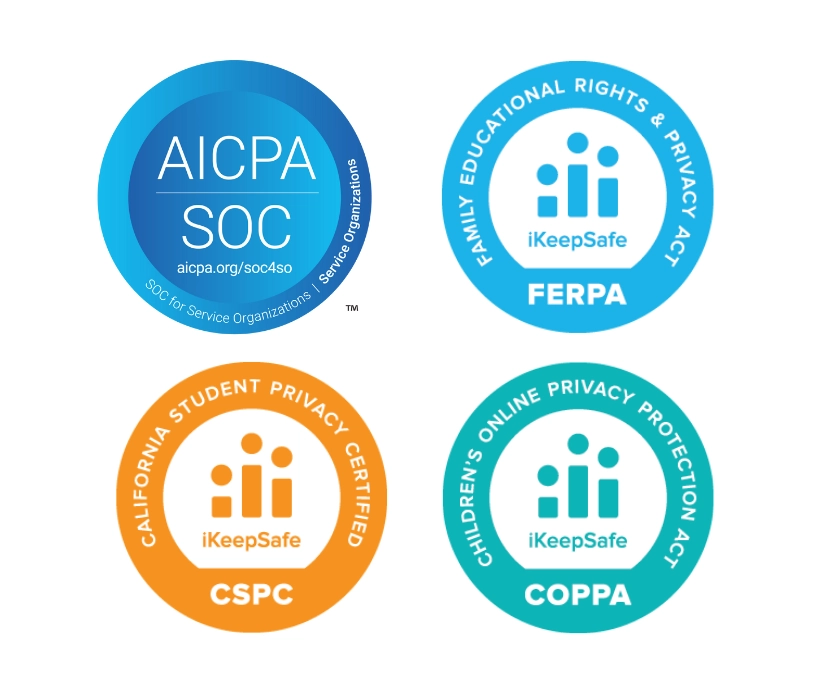
Meet FERPA, COPPA, and other data privacy requirements
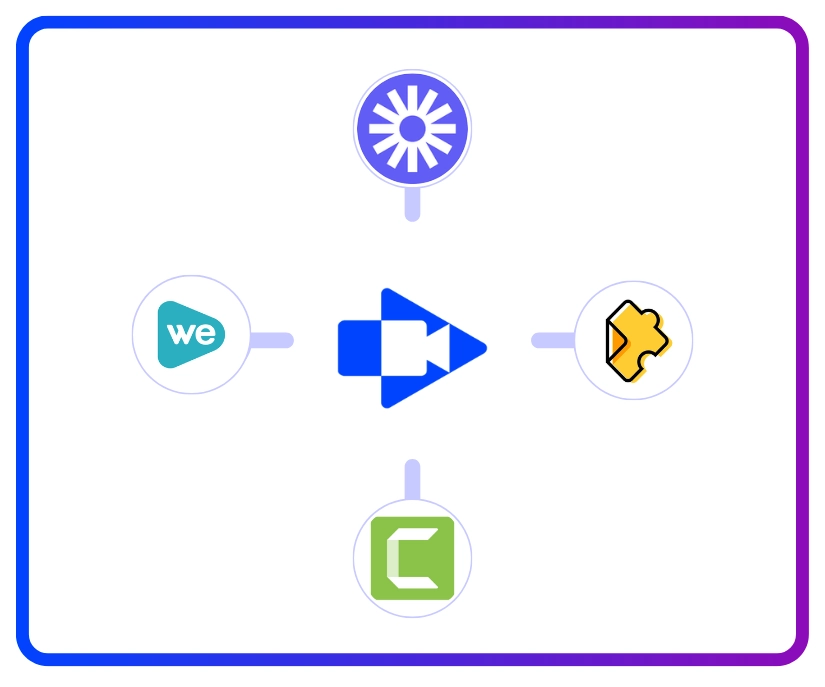
Replace multiple video tools with one platform
Ready to deploy video tools district-wide?
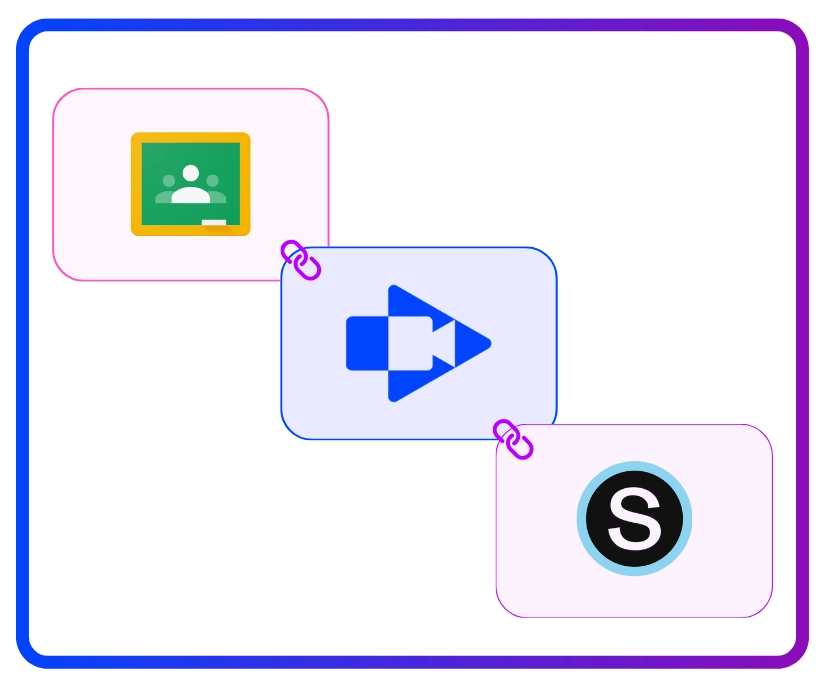
Works with your existing learning platforms
Scale across your entire district effortlessly

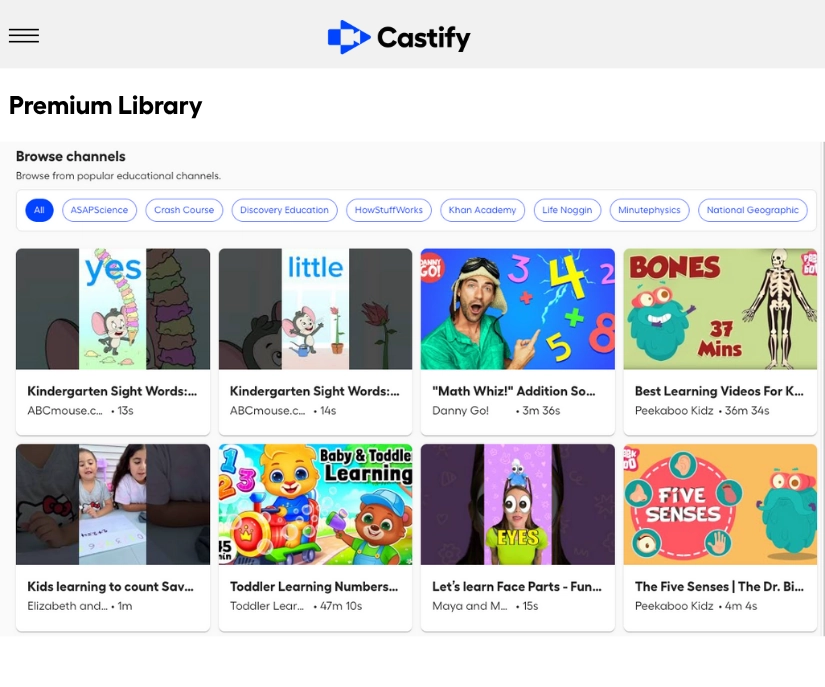
Provide safe access to educational video content











Real ways you can use Castify




Everything you need to know before getting started.

Castify is FERPA, COPPA, CSPC, and SOC 2 Type II compliant and designed with student privacy as a priority. Teachers control who can view student videos, students can only submit to their teacher's requests, and all data is protected with enterprise-grade security. District administrators have oversight and control over all usage.
Minimal ongoing support. Castify is a browser-based platform with intuitive interfaces that teachers and students can use without extensive training. Most support questions are answered through built-in help resources or through our support team. Your IT team focuses on initial setup and user provisioning, not daily troubleshooting.
Yes. Castify integrates with Google Classroom, Canvas, Schoology, Google and Microsoft SSO. Teachers and students access Castify within platforms they already use, reducing change management and training requirements.
Castify works on any device with an internet connection, and the Screencastify browser extension is available on Chrome and Edge. The platform works on Chromebooks, Windows PCs, and Macs. This covers the vast majority of devices already deployed in K-12 schools. No special hardware or operating system requirements.





