
Turn any video into professional documentation
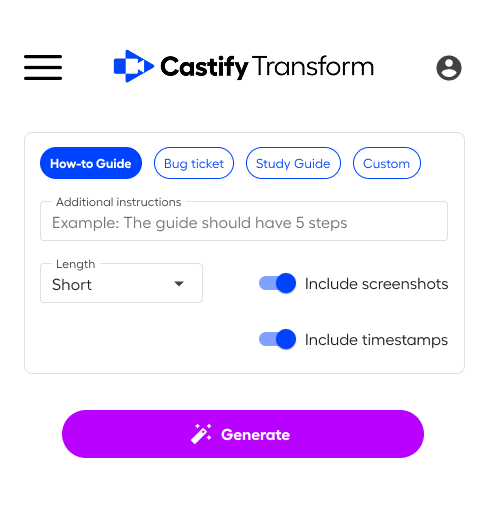
From video to documentation in seconds


See Castify Transform in action
Everything you need to repurpose video content
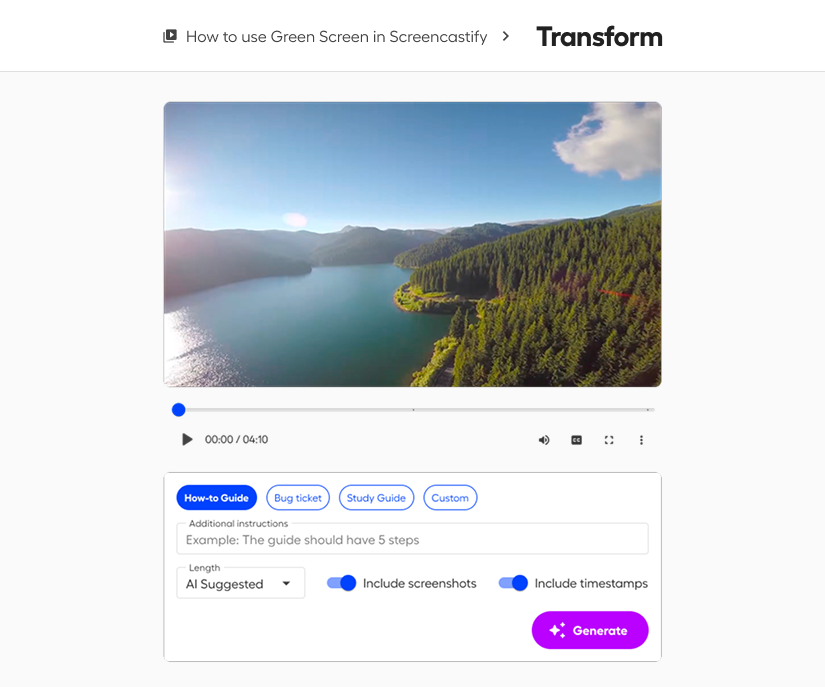
Create documents with one click
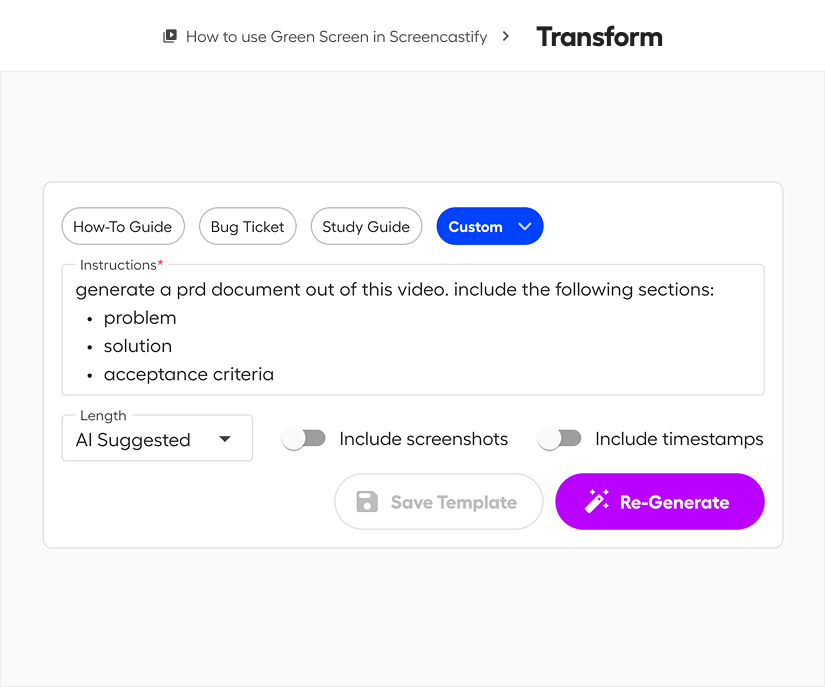
Save and reuse your formats
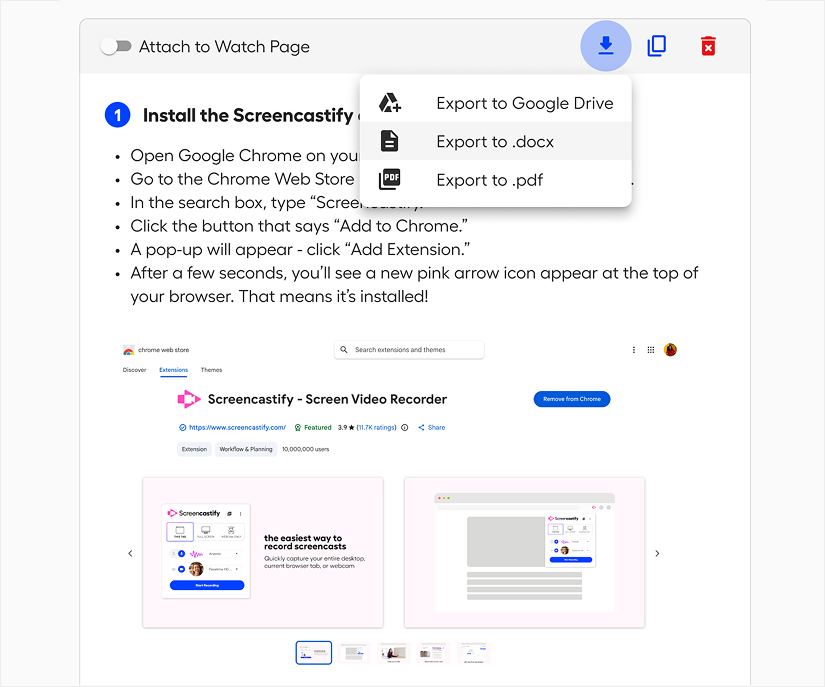
Share documentation anywhere
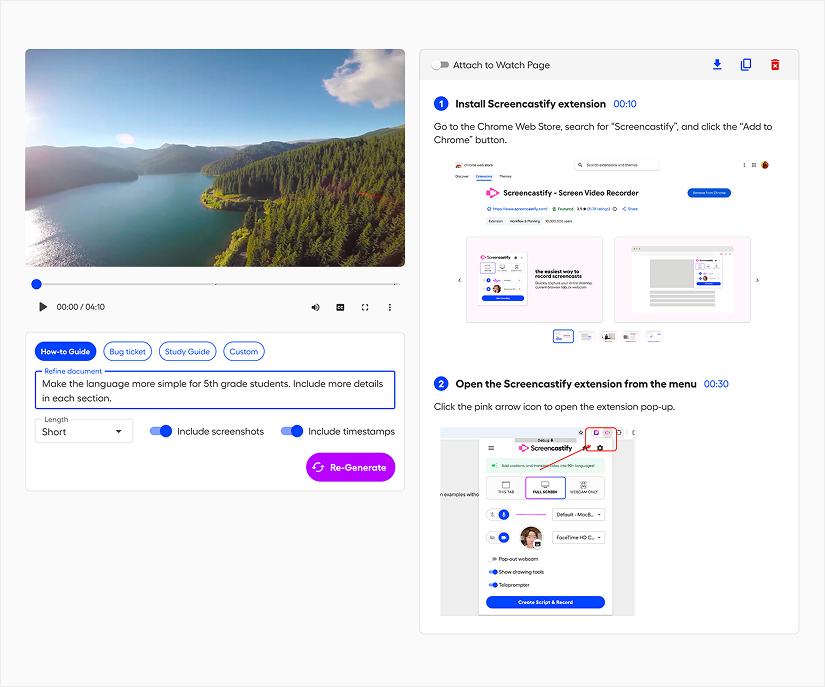
Edit and refine your content
Ready to transform your first video?
Turn any video into the documentation you need




Everything you need to know before getting started.

Castify Transform includes four document types: How-to Tutorials for step-by-step instructions, Bug Tickets for QA and issue reporting, Study Guides for educational content, and Custom templates for any documentation need. You can create and save up to 50 custom templates for repeated use.
Yes. Castify Transform gives you a strong first draft that you can fully customize. Edit any section's content, add or remove sections, swap screenshots, upload new images, and adjust formatting. All edits save automatically and update across shared locations.
Export documents in multiple formats: copy to clipboard for pasting into Google Docs, Notion, or Jira; download as .docx or PDF; save to Google Drive; or attach directly to your video's watch page so viewers can access both video and documentation together.
Generation typically takes seconds to a few minutes depending on video length and whether screenshots are enabled. You can navigate away during processing and we'll email you when your document is ready. The document will be be accessible on your Castify Transform homepage.
Castify Transform includes 5 free generations so you can try the new functionality. Individual Pro plans with the Castify Transform add-on get 100 document generations per month. Need more? Custom pricing is available for high-volume needs. Contact sales to discuss your requirements.





