Video is now one of the main ways teams share what they know. Product walkthroughs, customer explanations, onboarding sessions, and project updates all get recorded. That knowledge only helps if people can find it when they need it.
Today we're releasing two updates to make that easier: Global Search and the All view in My Library.
In short: Global Search lets you search every video, folder, Submit topic, and submission across your organization from one search bar, and narrow the results by content type or ownership. The All view shows everything you own or that has been shared with you in a single list.
What is Global Search in Castify?
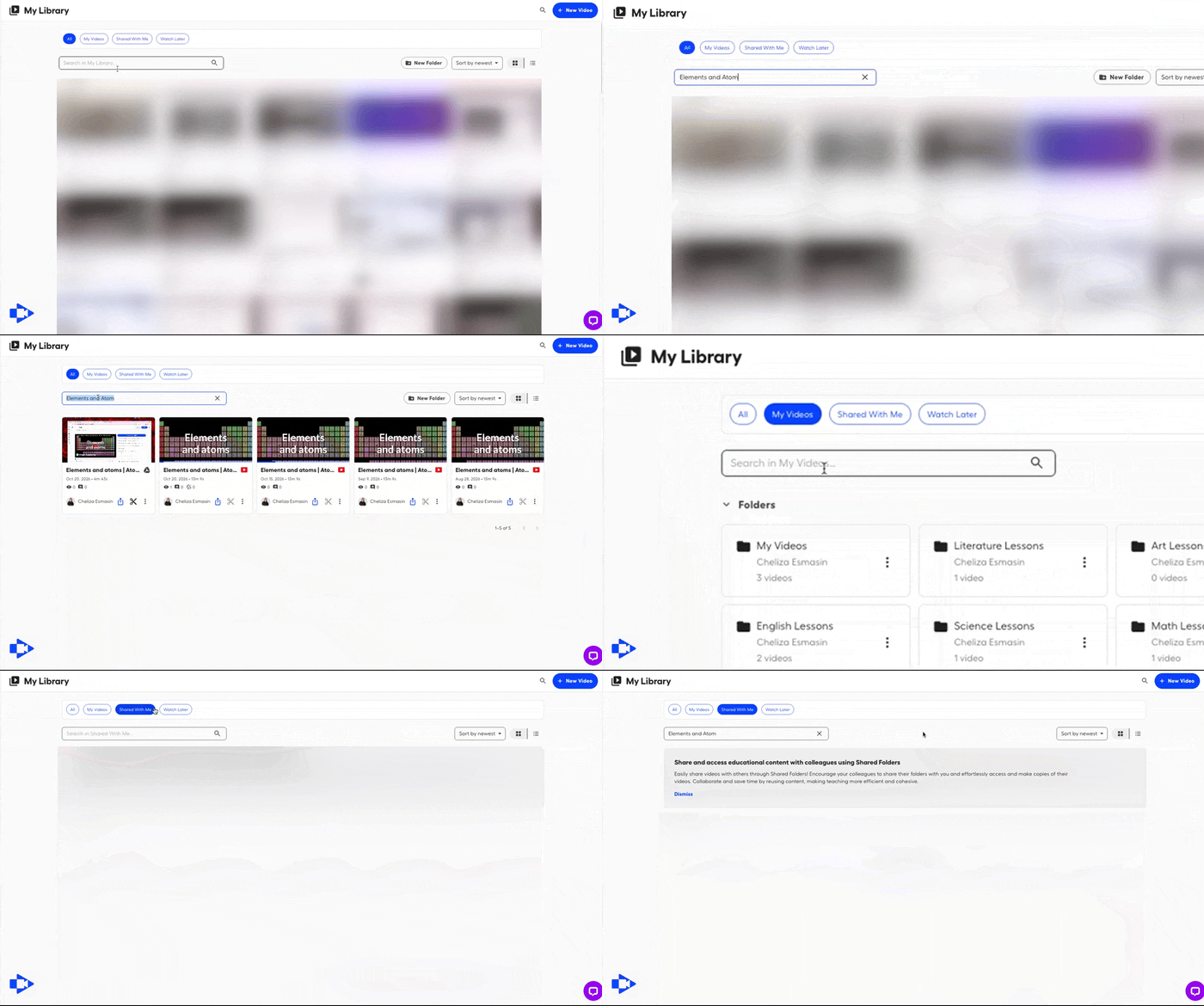
Global Search is a single search bar at the top of Castify. It searches across your organization's video content at once. You don't have to remember which folder a recording is in or who sent it. You type what you're looking for, and Castify returns matching videos, folders, Submit topics, and submissions.
What can you search with Global Search?
Global Search covers four types of content:
Videos: recordings you created and recordings shared with you
Folders: collections organized by project, team, client, or topic
Submit topics: the video requests you've set up with Castify Submit
Submissions: the videos people recorded in response to those requests
Submissions are included, so the videos you collect from customers, candidates, partners, or teammates are as easy to find as your own recordings.
How do you filter search results?
When you have a lot of content, filters help you get to the right result faster. You can narrow results in two ways:
By content type: show only videos, folders, Submit topics, or submissions
By ownership: show only content you own, or only content shared with you
For example, a sales manager looking for a demo a teammate recorded last quarter can filter to videos that are shared with them. Results that only match on other content types won't get in the way.
What is the All view in My Library?
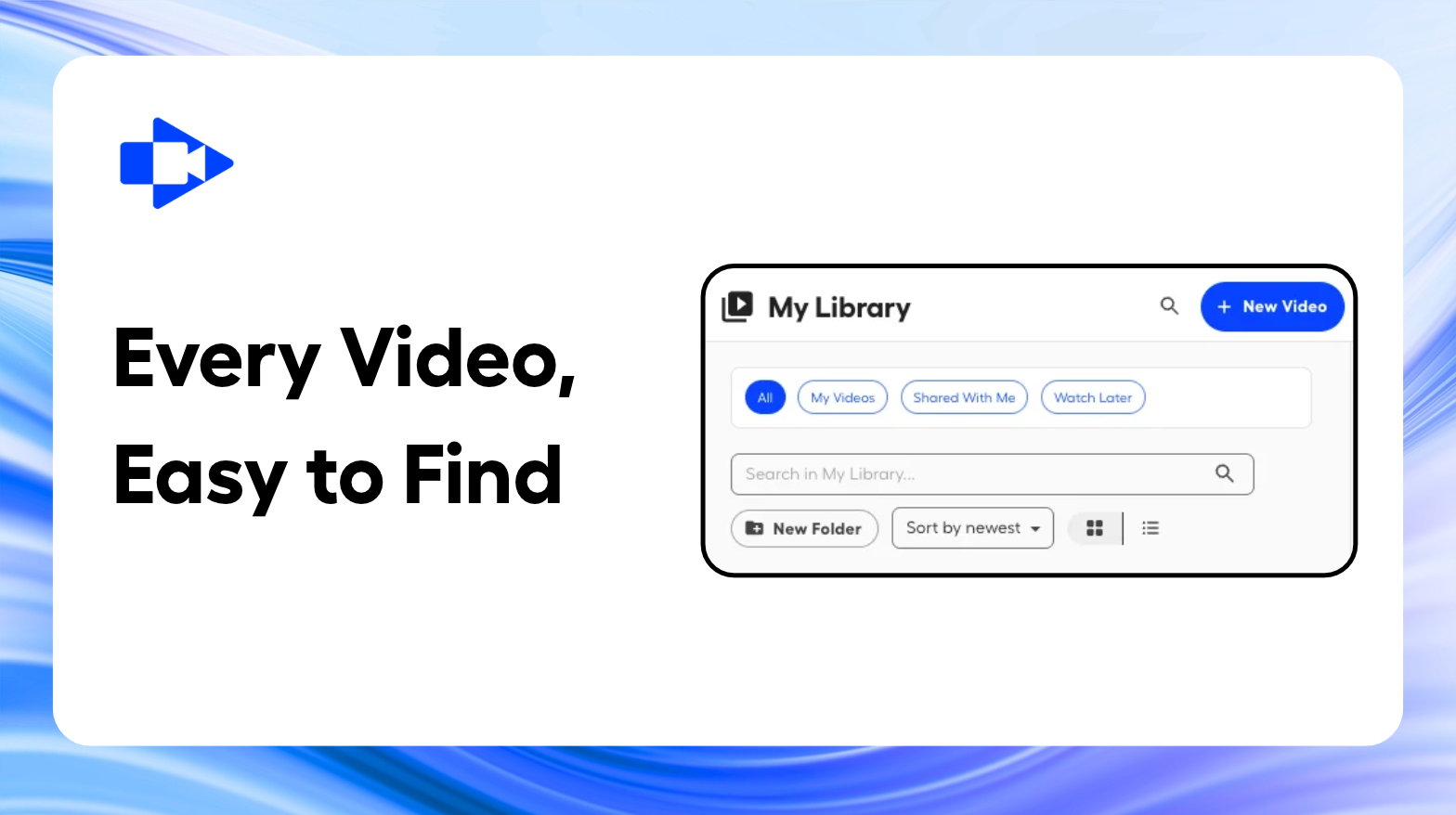
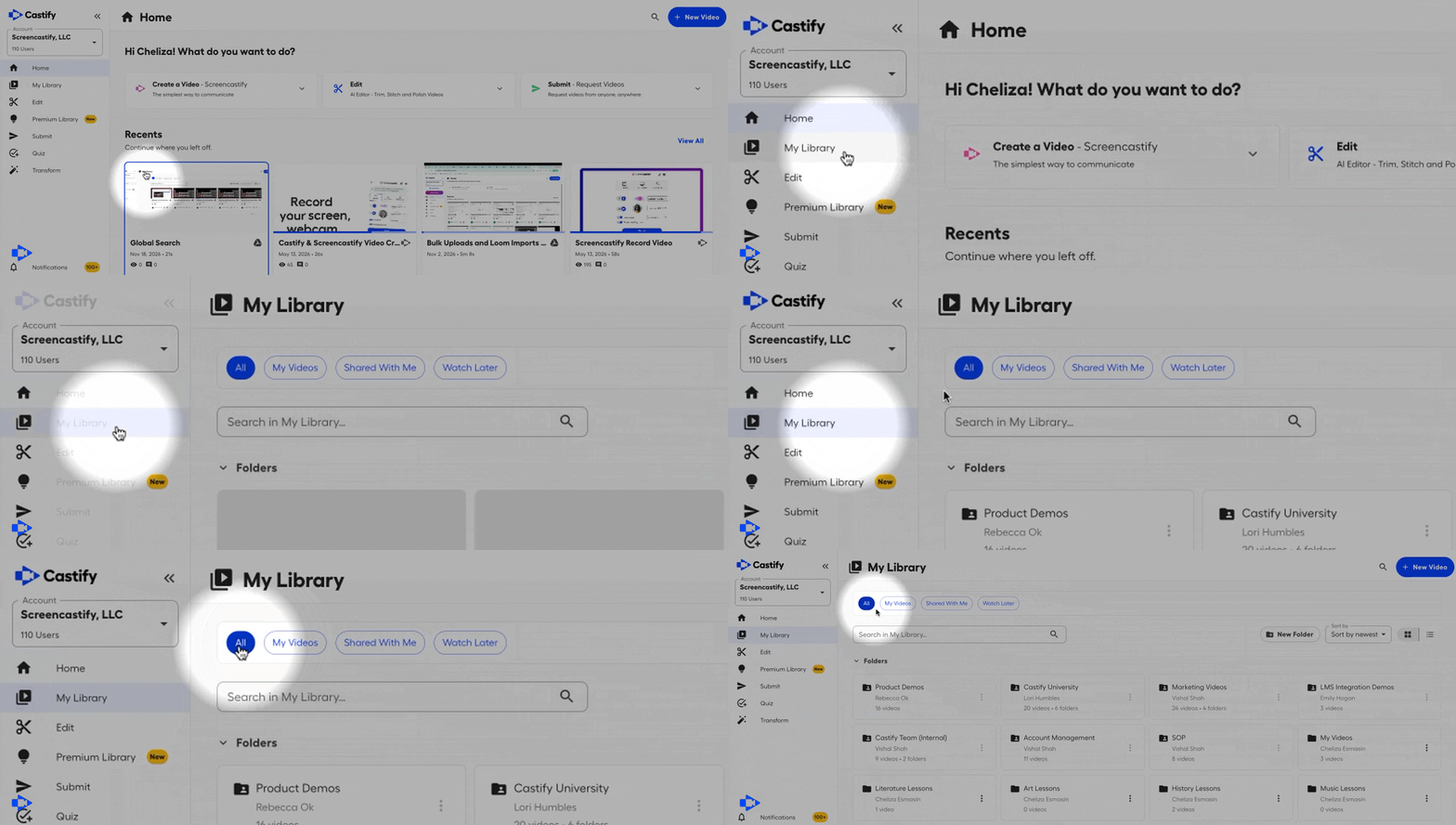
The All view is a new tab in My Library. It shows every folder and video you own or that has been shared with you in one place. Previously, owned content and shared content were in separate tabs. Now you can see everything you have access to without switching between them.
Why does searchable video matter for business teams?
As teams record more, their video libraries grow fast. Without a reliable way to find things, recordings pile up and people record the same explanations again. Searchable video means a recording made once can keep helping people across the organization.
How do different teams use Global Search?
Sales and revenue teams can find product demos, objection-handling walkthroughs, and competitive briefings right before a call.
Customer support teams can find existing how-to videos instead of recording new ones for questions that come up again and again.
Learning and development teams can find onboarding and training content when new hires ask for it.
HR and recruiting teams can find candidate responses collected through Castify Submit without digging through folders.
Operations and project teams can find past updates and process walkthroughs when a project changes hands.
How do you get started?
Global Search and the All view are available in Castify now. There is nothing to turn on.
Click the search bar at the top of Castify and type a keyword, title, or topic.
Apply filters to narrow results by content type or ownership.
To browse instead of search, go to My Library and select the All tab.
Frequently asked questions
Does Global Search include content other people shared with me?
Yes. Global Search covers content you own and content shared with you, and you can use the ownership filter to separate the two.
Can people see videos they don't have access to through search?
No. Search results follow the sharing permissions already set on your content.
Does Global Search include Castify Submit content?
Yes. Both Submit topics and the submissions people record in response are searchable.
What's the difference between Global Search and the All view?
Global Search finds specific content across your organization by keyword. The All view is for browsing: it lists every folder and video you own or that has been shared with you.
Do I need to update anything to use these features?
No. Both features are live for Castify users today.
Make your team's knowledge easy to find
Every recording your team makes holds knowledge that someone else will need later. With Global Search and the All view, that knowledge is easy to find, reuse, and share.
Ready to see how Castify can help your organization get more value from video?Schedule a demo
Related Blog
Product Updates
November 20, 2026
Turn any captioned video into text: Download transcripts in Castify
Read more
Product Updates
November 13, 2026
New in Castify: Custom Video Thumbnails
Read more
Product Updates
September 23, 2026
Castify Admin Analytics - Intelligence Across your Organization